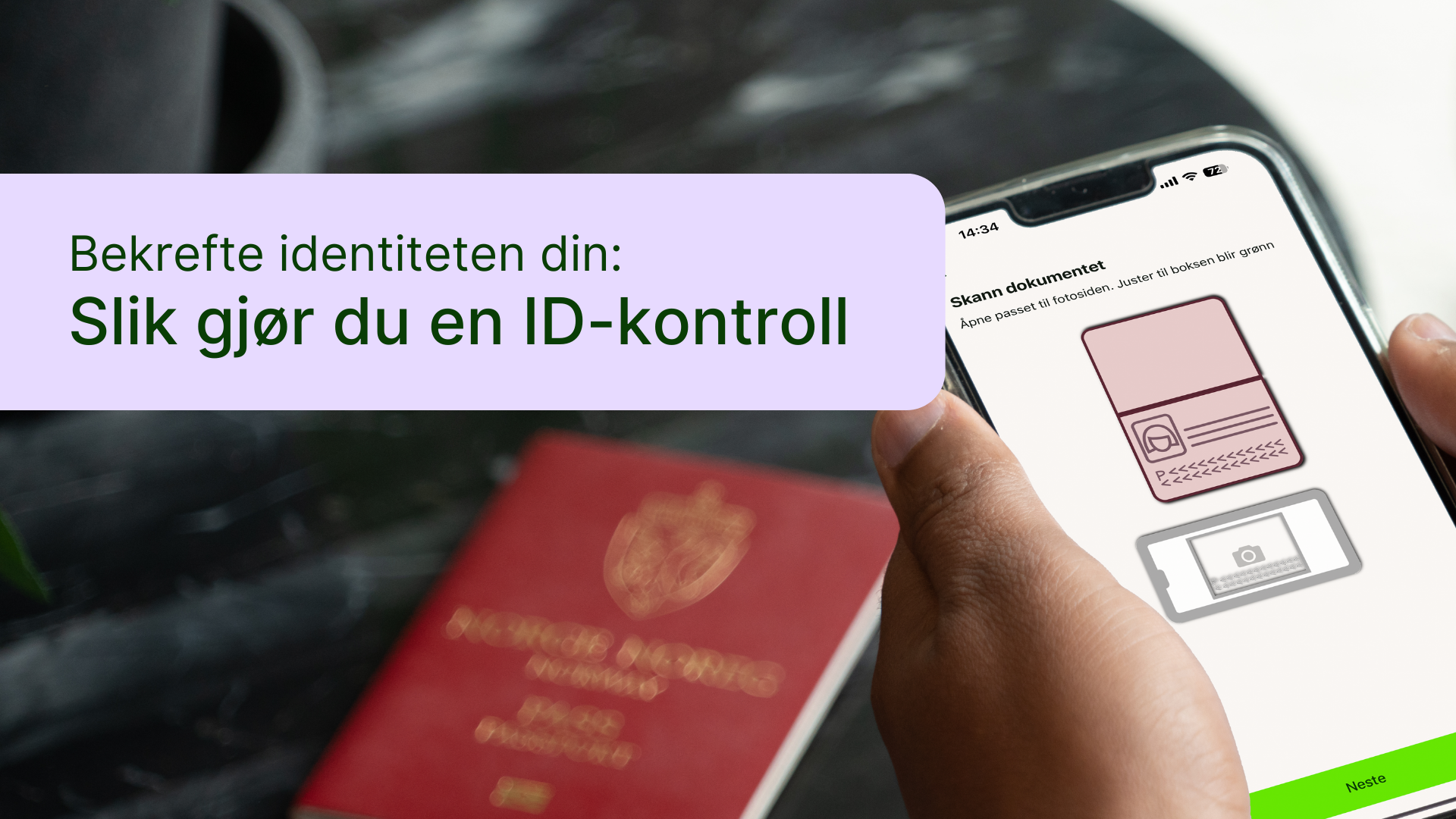
In the coming period, many users will be notified in the BankID app that they need to verify their identity by scanning their passport or national ID card, as well as their face. This is part of stricter security requirements and will make BankID even more certain that you are who you say you are. You will receive a notification in the app when you need to complete an ID check. This guide explains how to complete an ID check using your passport. If you would like to do this with a national ID card, you can find a separate guide for that. You are welcome to ask someone you trust to help you scan your passport and face. As always, we recommend reading the guide on a computer so that you can follow the steps on your mobile phone, as shown in the images in the guide.